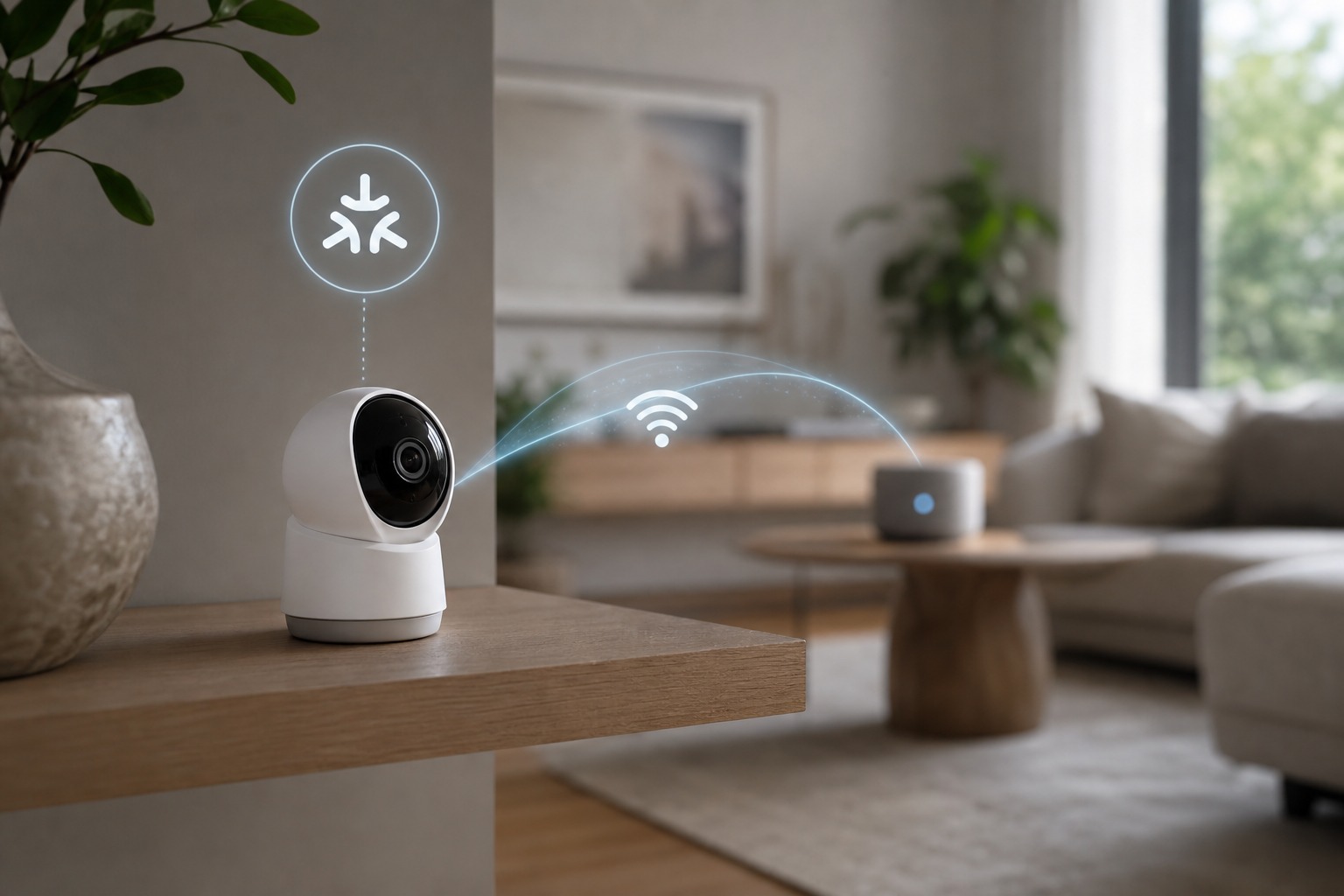
Matter camera compatibility became real on November 20, 2025, the day the Connectivity Standards Alliance ratified Matter 1.5 and added a certified camera device type. You can now buy a security camera that streams live video, two-way audio, recorded clips, motion events, and pan/tilt/zoom over Matter: but only a handful of models are certified, and only Samsung SmartThings reads them natively today.
Two outdated ideas need clearing before you shop. Guides written for Matter 1.3 and 1.4 still insist "there are zero Matter cameras, don't buy one." That was correct before November 2025, and it's wrong now. The opposite assumption is also wrong: a "Matter-certified" camera does not automatically work in every ecosystem. As of July 2026, the honest position sits between them: Matter cameras exist and pass certification, but the category is young, and a certified camera is not the same as a hub that can use it.
What is a Matter camera?
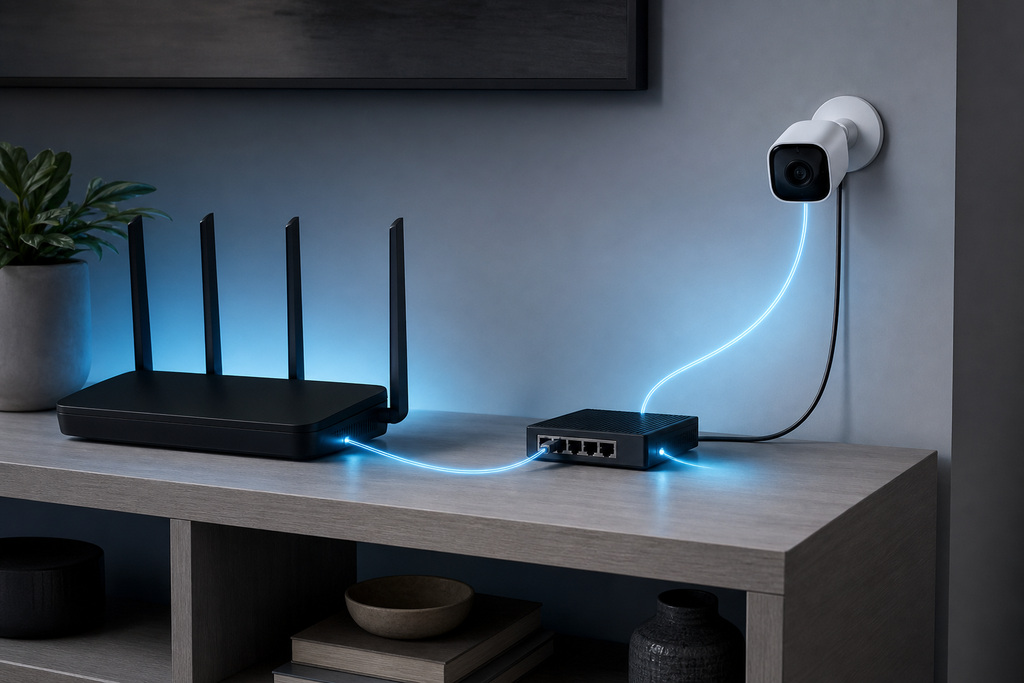
A Matter camera is a security camera or video doorbell certified to the camera device type introduced in Matter 1.5. That certification lets it stream video and audio to any controller that supports the device type: over your local network instead of a single vendor's cloud. Video rides on Wi-Fi or Ethernet using WebRTC, because Thread's bandwidth is too low to carry it. The certification covers streaming, recording, motion events, and movement controls: not a brand's AI analytics.
When Matter added camera support
Cameras arrived only in Matter 1.5: every version from 1.0 through 1.4 shipped with no camera device type. So if a camera claimed "Matter" before late 2025, it was either bridging other devices or marketing.
| Matter version | Release date | Camera support |
|---|---|---|
| Matter 1.0 | October 2022 | None |
| Matter 1.1 | May 2023 | None |
| Matter 1.2 | October 2023 | None (added appliances, robot vacuums) |
| Matter 1.3 | May 2024 | None (added energy, water leak) |
| Matter 1.4 | November 2024 | None |
| Matter 1.5 | November 20, 2025 | Camera device type: live video, audio, recording, PTZ |
| Matter 1.5.1 | March 31, 2026 | Improved streaming efficiency and multi-stream support |
What a Matter camera can do
Matter 1.5 standardizes the camera basics you actually use: live view, talkback, recording, motion alerts, and movement controls, routed locally where the hardware allows. What each controller chooses to expose still varies.
| Feature | What it does |
|---|---|
| Live video streaming | Low-latency WebRTC feed, intended to stay on your LAN |
| Two-way audio | Bidirectional talkback over the same session |
| Recording and clips | "Push AV" streaming to a hub or NVR for event or continuous recording |
| Motion and event detection | Zones and triggers exposed to the ecosystem |
| Pan/tilt/zoom | Movement controls on supported hardware |
| Snapshots | Still capture on demand |
| Privacy controls | Standardized on/off and privacy-mode states |
Certified versus works with your hub
A Matter-certified camera only works when your controller also speaks the Matter 1.5 camera device type: both ends must support it. If your hub is still on Matter 1.2 through 1.4, it won't recognize a certified camera even though the box carries the logo. A hub firmware update matters as much as the camera's certification. So you're really asking two separate questions: is the camera certified for video, and has my controller shipped the release that reads Matter cameras?
Matter Cameras Compatibility Guide
Two easily-missed details decide whether a certified camera lands cleanly in your setup:
- Firmware readiness: Some existing cameras may promise Matter via a future firmware update—verify it has actually shipped, not just been announced.
- Streaming version: Multi-stream support arrived with Matter 1.5.1, so a camera and controller both on 1.5.1 can carry more than one video stream at once—handy when a hub needs a live view running alongside a recording stream.
Which platforms support Matter cameras today
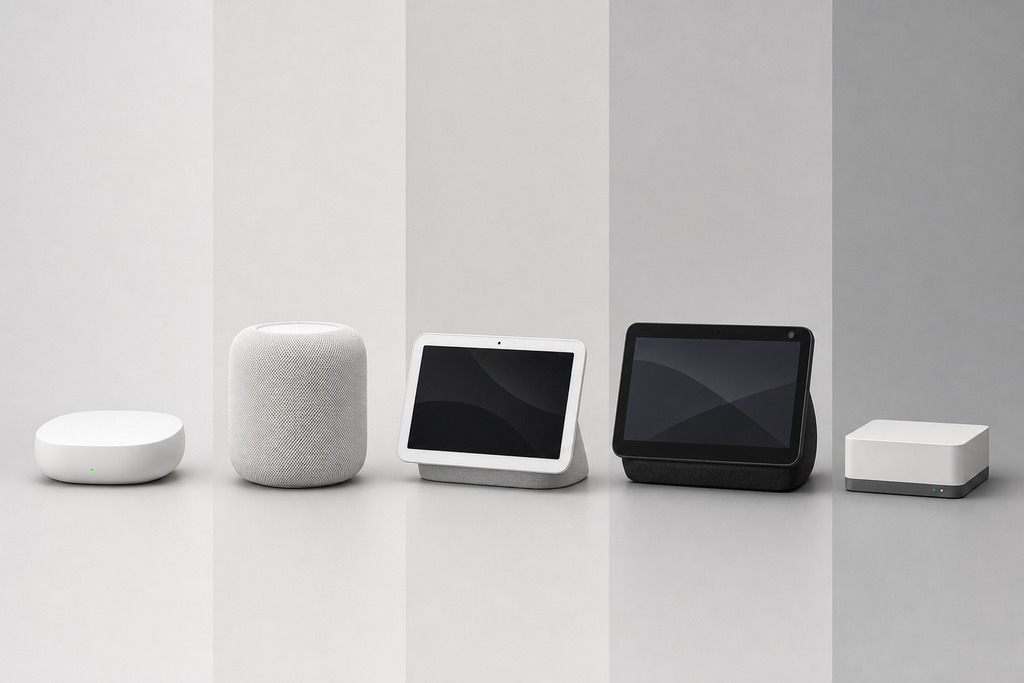
Samsung SmartThings is the only major ecosystem with native Matter camera support as of July 2026. Everyone else uses either a separate camera protocol or a vendor cloud integration that is not Matter-native.
| Platform | Native Matter camera support (July 2026) | What it means for you |
|---|---|---|
| Samsung SmartThings | Yes | First platform to support the full category; commission directly and view as a camera |
| Apple Home | No, not through Matter yet | Cameras may still work via HomeKit or HomeKit Secure Video: a separate protocol |
| Google Home | No, not through Matter yet | A camera may appear via the vendor's cloud, but its video is not Matter-native |
| Amazon Alexa | Partial/unconfirmed: Matter 1.5 SDK subset, camera category not clearly listed | Echo Show still shows native Ring/Blink; check the specific model's Alexa docs |
| Home Assistant | Experimental/developing | Don't assume the Matter integration displays a 1.5 stream; RTSP or ONVIF may work instead |
Cameras you can buy right now
The certified list is short. Two Wi-Fi models lead it, and one of them doubles as a hub for your other gear.
| Camera | Certified date | Connection | Notable features | Where it works |
|---|---|---|---|---|
| Aqara Camera Hub G350 | February 10, 2026 | Matter over Wi-Fi (Bluetooth for setup) | 4K wide + 2.5K telephoto, pan/tilt, 9× hybrid zoom; also an Aqara Zigbee hub and Matter controller | SmartThings native Matter; Apple via HomeKit Secure Video separately; Google/Alexa via Aqara's cloud |
| Ulticam smart security camera | March 19, 2026 | Matter over Wi-Fi | Certified end product | Verify platform support by region before buying |
Don't confuse the G350 with older Aqara hubs. The Camera Hub G3 and G2H Pro show up on many "Matter camera" lists, but they never sent their own video over Matter: they bridged Aqara Zigbee and infrared accessories (sensors, curtains) to Apple Home, Google, and Alexa, while their camera feed ran on HomeKit or the Aqara app. The G350 is the one that actually streams as a Matter camera.
What your network needs
Before any Matter camera works, the plumbing has to be right. A camera on an isolated guest network or a locked-down VLAN will commission and then go dark.
- A Matter 1.5-certified camera and a hub updated to read Matter cameras
- The current version of your ecosystem's mobile app
- Wi-Fi or Ethernet for the camera: not Thread, and no Thread border router required for the video path
- IPv6 and local multicast (mDNS) enabled on your network
- Bluetooth on your phone during initial commissioning
- Internet access for remote viewing, firmware updates, and any cloud recording
- Camera and controller on the same network segment, unless you've deliberately configured Matter discovery across VLANs
How to read the labels on the box
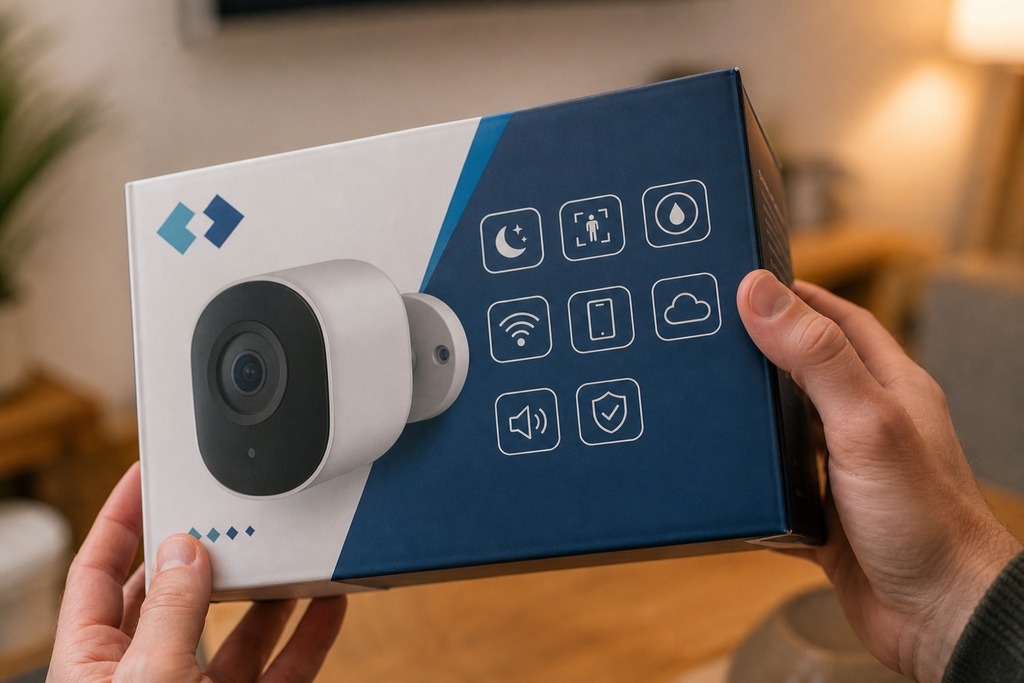
The wording on packaging is where buyers get burned. These phrases are not equivalent, and only one guarantees Matter video.
| Wording on packaging | What it actually means |
|---|---|
| "Matter Certified Camera" | The camera passed CSA certification for the camera device type: the real thing |
| "Supports Matter 1.5" | Promising, but verify the CSA record and that firmware has shipped, not just been announced |
| "Matter compatible" | Often a bridge or sensor function, not video: confirm before assuming |
| "Works with HomeKit Secure Video" | Apple's own camera protocol, separate from Matter camera support |
| "Works with Google/Alexa" | Usually a vendor cloud integration, not a Matter-native video connection |
How to check a camera before you buy
Don't trust the marketing copy: verify against the source. Five minutes on the CSA database settles it.
- Open the CSA Certified Products database and filter Program: Matter, Device Type: Camera.
- Confirm your exact model appears in that filtered list with camera/video support.
- Confirm the record targets Matter 1.5 or later.
- Confirm your hub (Apple, Google, Alexa, SmartThings, or Home Assistant) has shipped the release that enables Matter cameras.
- If the camera relies on a promised firmware update to gain Matter, confirm the update has actually shipped to your model, not just been announced. Most existing cameras never get it, because they lack the hardware or the vendor commitment: so treat any "coming soon" as unshipped until proven.
How to Integrate Cameras in a Matter Smart Home Today
Once the camera and your hub both read the Matter 1.5 camera device type, adding one runs through the standard Matter onboarding flow rather than a vendor's separate app:
- Open your hub app, choose to add a new device, and keep your phone's Bluetooth on so it can find the camera.
- Scan the camera's Matter pairing code—printed on the device or shown in its own app—to start commissioning.
- Let the app move the camera onto your Wi-Fi or Ethernet and finish commissioning.
- Assign the camera to a room, then open its tile to confirm the live feed, talkback, and any pan/tilt controls respond.
- Choose where footage lands—streamed to the hub or an NVR—and set the motion zones you want surfaced as alerts.
What Matter still won't do
Matter gives you streaming, recording, and basic events: the smart alerts stay in the brand's own app. Person, package, and vehicle detection, facial recognition, pet tracking, rich notification previews, AI summaries, and proprietary cloud recording all remain outside the spec. Buy a Matter camera and you get a reliable local feed across supporting hubs; you don't get one app that unifies every brand's analytics. If the AI detection is why you bought the camera, that piece still lives behind the manufacturer's subscription regardless of Matter.
If Matter cameras aren't ready for your setup
If you're on Apple, Google, or Alexa and need cross-ecosystem cameras now, don't buy for Matter yet: these routes do more today.
| Approach | How it works | Best for |
|---|---|---|
| HomeKit Secure Video | Camera streams to Apple Home; an Apple TV, HomePod, or iPad analyzes footage locally; iCloud+ stores clips | Apple households and privacy-first buyers |
| Native ecosystem skills | Ring/Blink on Alexa, Nest on Google Home: vendor cloud feed shown on Echo Show or Nest Hub | Staying inside one ecosystem |
| Home Assistant with RTSP/ONVIF | Local ingest of camera streams, then re-exposed to Apple, Google, or Alexa | Tinkerers who want true cross-platform, local control now |
Who should not buy a Matter camera yet
A Matter camera is the wrong buy today for several people, and saying so up front saves a return.
- Apple Home or Google Home users who want the feed through Matter: neither offers that path yet, so use HomeKit Secure Video or the native integration instead.
- Anyone expecting Matter to deliver AI person, package, or vehicle detection: that stays proprietary.
- Owners hoping an existing camera will "gain Matter" by firmware: most never will.
- Homes leaning on Thread with no Wi-Fi headroom: video needs Wi-Fi or Ethernet.
- Professional surveillance setups: NVR/DVR compatibility runs on ONVIF/RTSP and resolution, a separate world from Matter.
Buy now or wait?
The answer depends entirely on which hub runs your home. On SmartThings, the Aqara Camera Hub G350 works natively today, so buying now is reasonable. On Apple Home, buy a camera for HomeKit Secure Video, not for Matter, and re-check when Apple ships Matter camera support. On Google Home or Alexa, buy the native Nest, Ring, or Blink integration and watch the release notes. On Home Assistant, RTSP or ONVIF gives you cross-platform video right now. For everyone outside SmartThings, don't buy a camera solely for Matter yet: the certification is real, but your ecosystem probably can't use it. This snapshot is dated July 2026, and the picture moves monthly, so re-verify the CSA certified-products list and your hub's release notes before you commit.
FAQ
What cameras are Matter-compatible?
The Aqara Camera Hub G350 (certified February 10, 2026) and the Ulticam smart security camera (certified March 19, 2026) are certified Matter cameras that stream over Wi-Fi. The list is short and growing: check the CSA Certified Products database filtered to Program: Matter, Device Type: Camera for the current set.
What devices are compatible with Matter?
Matter covers lights, plugs, switches, locks, thermostats, sensors, blinds, garage doors, robot vacuums, and, since Matter 1.5 in November 2025, cameras, video doorbells, and intercoms. Compatibility requires both a certified device and a controller updated to the Matter version that supports that device type.
How do I know if my device is Matter compatible?
Look for the Matter logo, then confirm the exact model in the CSA Certified Products database rather than trusting packaging alone. For cameras specifically, check that the listing names camera/video support and targets Matter 1.5 or later, and confirm your hub has shipped a release that reads Matter cameras.
Are all security cameras compatible with all DVRs?
No. DVR and NVR compatibility depends on shared protocols like ONVIF or RTSP and on matching resolution and codecs: not on Matter at all. A Matter-certified camera and a DVR are two separate compatibility questions, so confirm ONVIF/RTSP support before assuming any camera will record to any recorder.
References
- Connectivity Standards Alliance: Matter 1.5 introduces cameras, closures, and enhanced energy management
- Connectivity Standards Alliance — Matter 1.5.1: enhancing camera performance
- SmartThings — SmartThings expands camera support with Matter 1.5
- Amazon — Alexa Matter compatibility documentation
- Connectivity Standards Alliance — Aqara Camera Hub G350 certification record
- Connectivity Standards Alliance — Ulticam smart security camera certification record
- Connectivity Standards Alliance — Certified Products database